#Enhancement
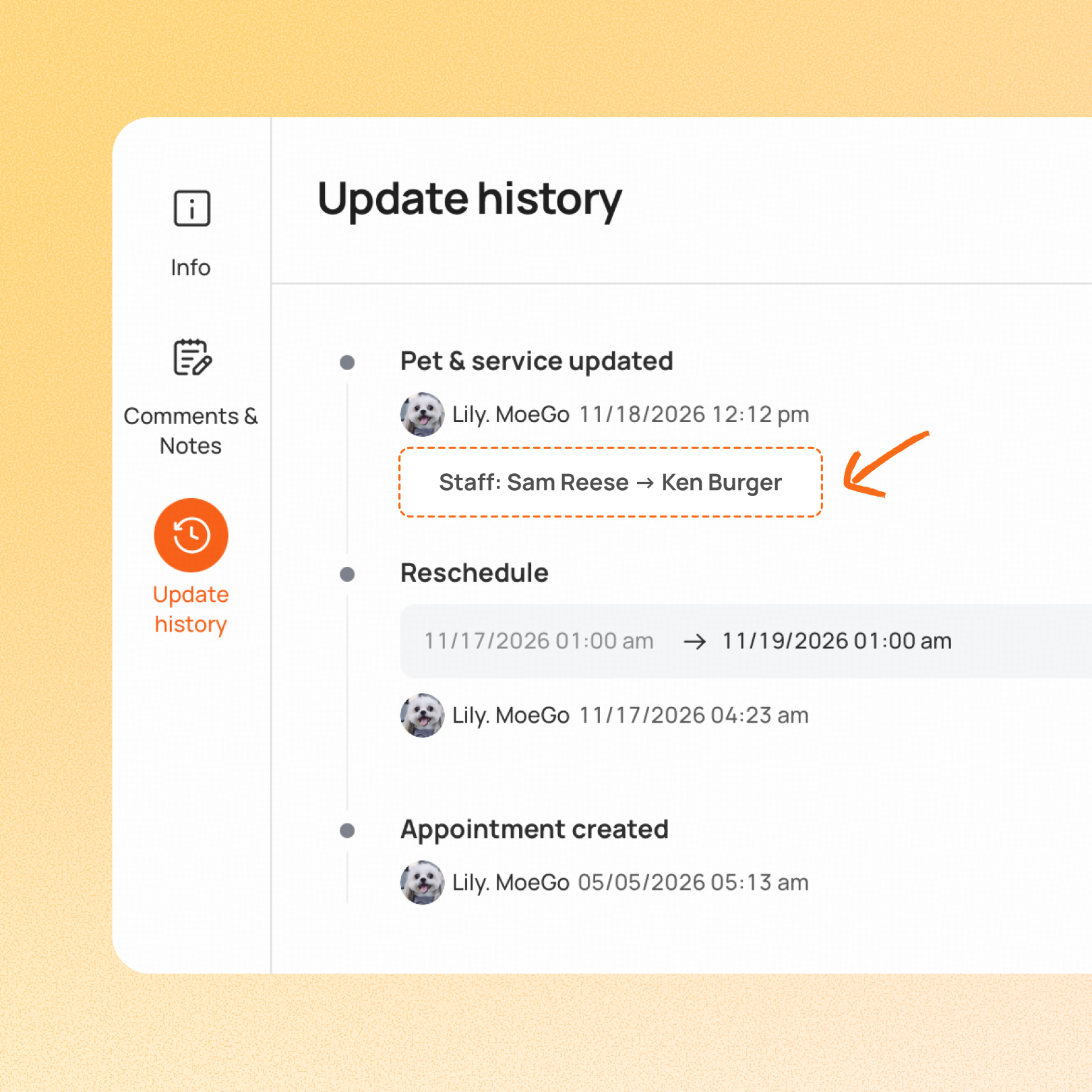
Appointment History now shows who changed a grooming appointment and what they changed.
Business owners can see the previous and new groomer alongside the name of the person who made the edit. Each change appears on its own line, so it’s clear which staff, services, or add-ons were added, removed, or replaced in the same edit.
Use case:
A booking moves from one groomer to another, and the owner wants to know why. They open the appointment’s history on desktop and see who reassigned it, the previous and new groomer, and any service or add-on changes made in the same edit.
👉 How to access
- Open the appointment details on desktop
- Open Appointment History
- Review each change line, including the previous and new groomer and the name of the person who made the edit
⚠️ Note
- The cutoff is when the edit was made. An appointment booked before launch shows details for edits made after launch
- Earlier history entries keep their original level of detail
Platform Availability
Web version
Mobile version
Availability


How to access
Appointment details → Appointment History
N/A
Before You Start
-
Plan availability: All plans
- Business Type: Grooming