#Enhancement
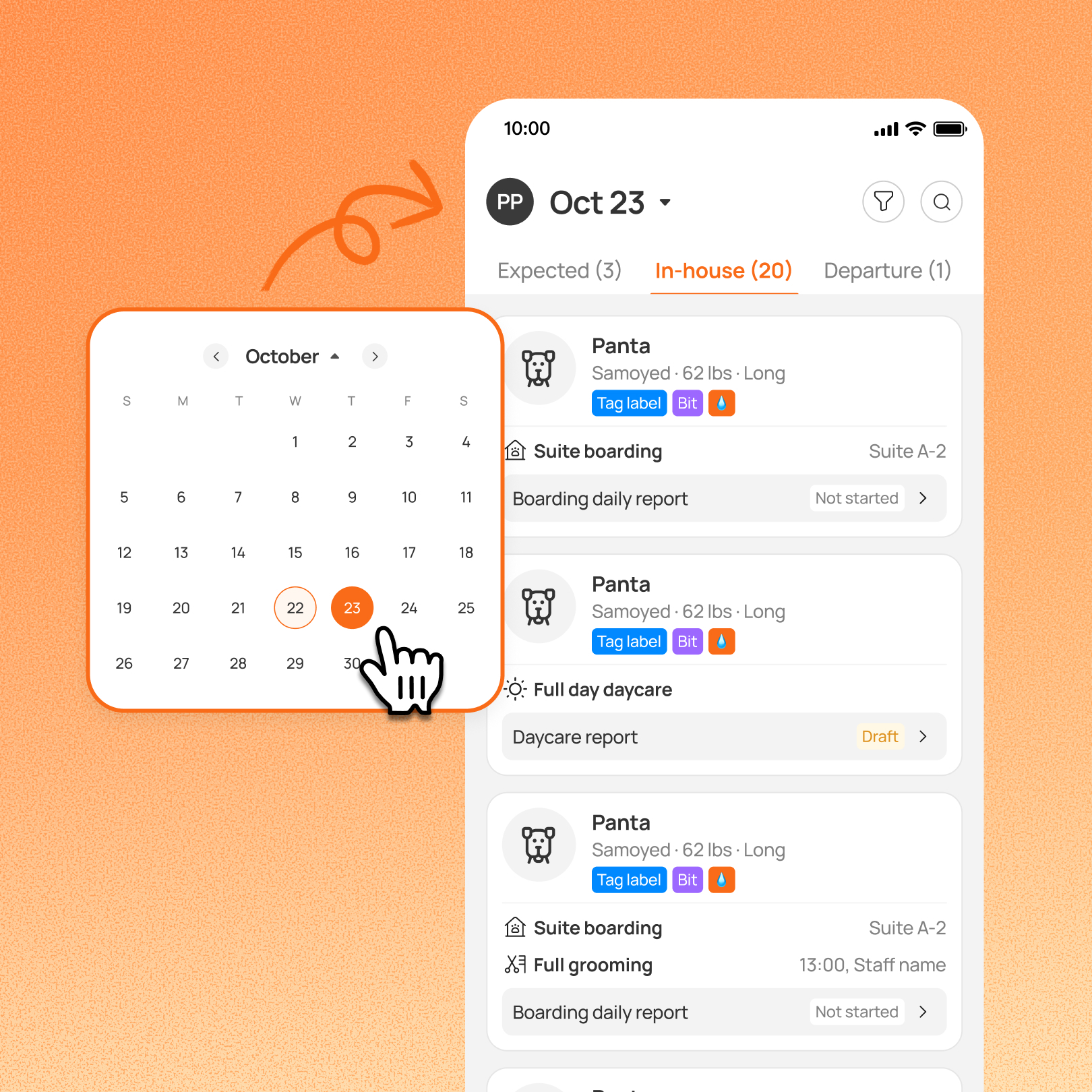
Boarding and daycare teams can now view pets on any date from the Team App. The Today tab is now Home, with a date picker for planning ahead or reviewing scheduled departures on past dates.
Prerequisite:
This feature requires you to enroll in the New Reservation Experience. Contact our 24/7 support chat or your account manager to set this up.
Use case:
Near the end of a shift, a handler opens Team App, taps the date at the top, and selects tomorrow. They see the expected arrivals and scheduled pickups without going back to a computer.
👉 How to access
- Go to Team App → Home
- Tap the date at the top
- Choose any date, or select today to return to the live view
⚠️ Note
- Past dates show Departure only. Future dates show Expected, In-house, and Departure
- Past-date Departure is based on the appointment’s scheduled end date, not the actual checkout date. A pet checked out early still appears on its originally scheduled departure date
- Future In-house only includes pets already checked in, so it does not show every upcoming stay
Platform Availability
Web version
Mobile version
Availability


How to access
N/A
Team App → Home → date at the top
Before You Start
-
Plan availability: Growth, Ultimate
- Business Type: Boarding & Daycare