#Enhancement
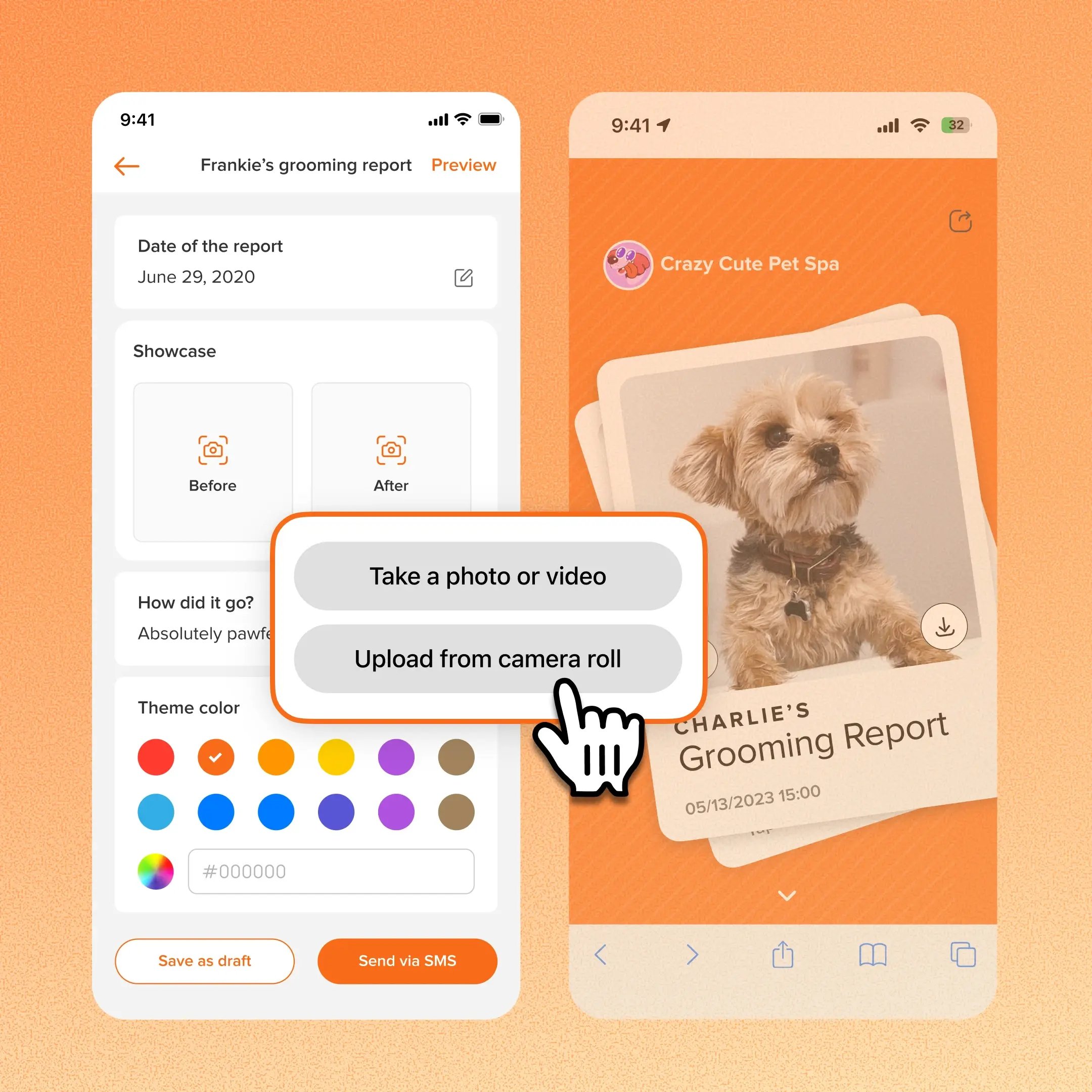
Grooming teams can now include videos directly in grooming reports. Each Before and After slot accepts one photo or one video, and the two can be mixed, such as a before photo with an after video.
👉 How to access
- Select an appointment
- Go to grooming report → add a photo or video to the Before and After slots.
⚠️ Note
- Videos play muted, and the pet parent can turn the sound on
- Each slot holds one photo or one video
Platform Availability
Web version
Mobile version
Availability

How to access
Appointment → Grooming report
Appointment → Grooming report
Before You Start
-
Plan availability: All plans
- Business Type: Grooming, Boarding & Daycare