Share this
by MoeGo on Apr 13, 2026, 9:00:00 AM

Switching software is rarely about curiosity.
Most pet care business owners don’t wake up wanting a new system. They get there because something starts breaking—quietly at first, then all at once.
Schedules become harder to manage. Staff rely on workarounds. Reporting takes hours. You open a second location or add more vans, and suddenly the system that once worked is now slowing everything down.
At that point, the question isn’t whether to switch.
It’s whether you can do it without disrupting the business you’ve worked hard to build.
This guide is built for that moment.
Why Switching Software Feels Riskier Than Staying Put
For grooming salons, boarding facilities, and daycare operators, software is the operational backbone.
Every booking, client record, payment, and policy runs through it.
So the hesitation to switch isn’t about resistance to change. It’s about protecting:
- Daily revenue
- Client trust
- Staff productivity
- Operational continuity
Especially for growing businesses (2+ locations, multi-van fleets), the risk feels compounded:
Scaling already stretches operations. A bad migration can break them.
The 5 Real Risks in Pet Business Software Migration
Most migration fears fall into five categories. Understanding them clearly is the first step to managing them.
1. Booking Disruption
Missed appointments, double bookings, or calendar gaps during transition.
2. Data Integrity Issues
Lost or mismatched pet records, service history, or vaccination data.
3. Payment & Policy Breakage
Stored cards, packages, or agreements not transferring correctly.
4. Staff Adoption Friction
Teams reverting to old habits or slowing down due to unfamiliar workflows.
5. Client Experience Gaps
Broken booking links, confusion, or drop-off in rebooking.
These are valid risks. But they’re not inevitable.
The Strategic Shift: Migration Is About Continuity, Not Just Transfer
The biggest mistake operators make is treating migration as a data transfer project.
In reality, it’s an operational continuity project.
A successful switch ensures:
- Clients can still book without friction
- Staff can operate confidently from Day 1
- Revenue flow is uninterrupted
- Historical data remains usable—not just present
That requires structure, not just software.
How MoeGo Supports a Controlled, Low-Risk Migration
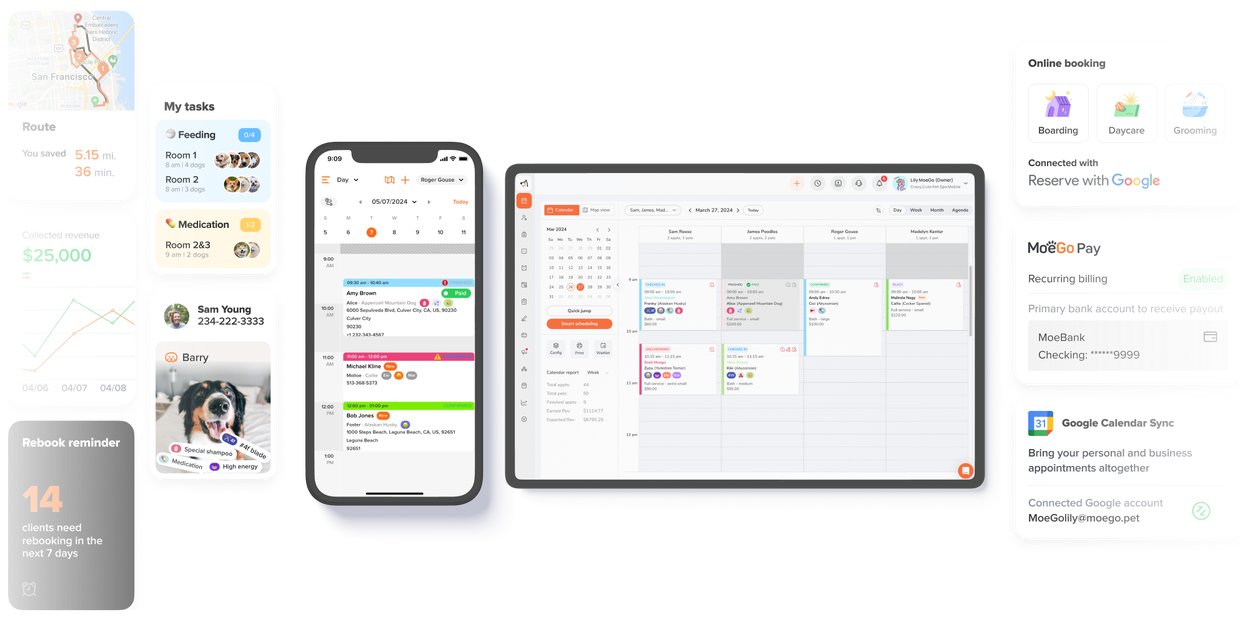
Concierge Migration
How It Works
A dedicated onboarding specialist manages the process from scoping to go-live, including staged imports and validation checkpoints.
Operational Impact
- No guesswork or DIY migration
- Controlled rollout instead of all-at-once disruption
- Clear timeline for planning staffing and communication
Business Outcome
- Protects daily operations during transition
- Reduces risk of costly errors
- Enables a predictable, low-stress switch
Comprehensive Data Mapping & Transfer
How It Works
Client profiles, pet records, service history, payments, agreements, and notes are mapped into structured fields within MoeGo.
Operational Impact
- Staff retain full visibility into past services
- No need to re-collect critical client information
- Duplicate profiles can be merged and cleaned
Business Outcome
- Maintains service consistency
- Prevents operational confusion at check-in
- Preserves reporting accuracy and decision-making
Payment, Agreements, and Policy Continuity
How It Works
Digital agreements, card-on-file workflows, and booking policies are supported across booking, intake, and checkout.
Operational Impact
- Policies remain enforced during and after migration
- No manual re-signing bottlenecks
- Payment workflows continue without interruption
Business Outcome
- Protects revenue and reduces disputes
- Maintains professionalism with clients
- Avoids operational gaps during transition
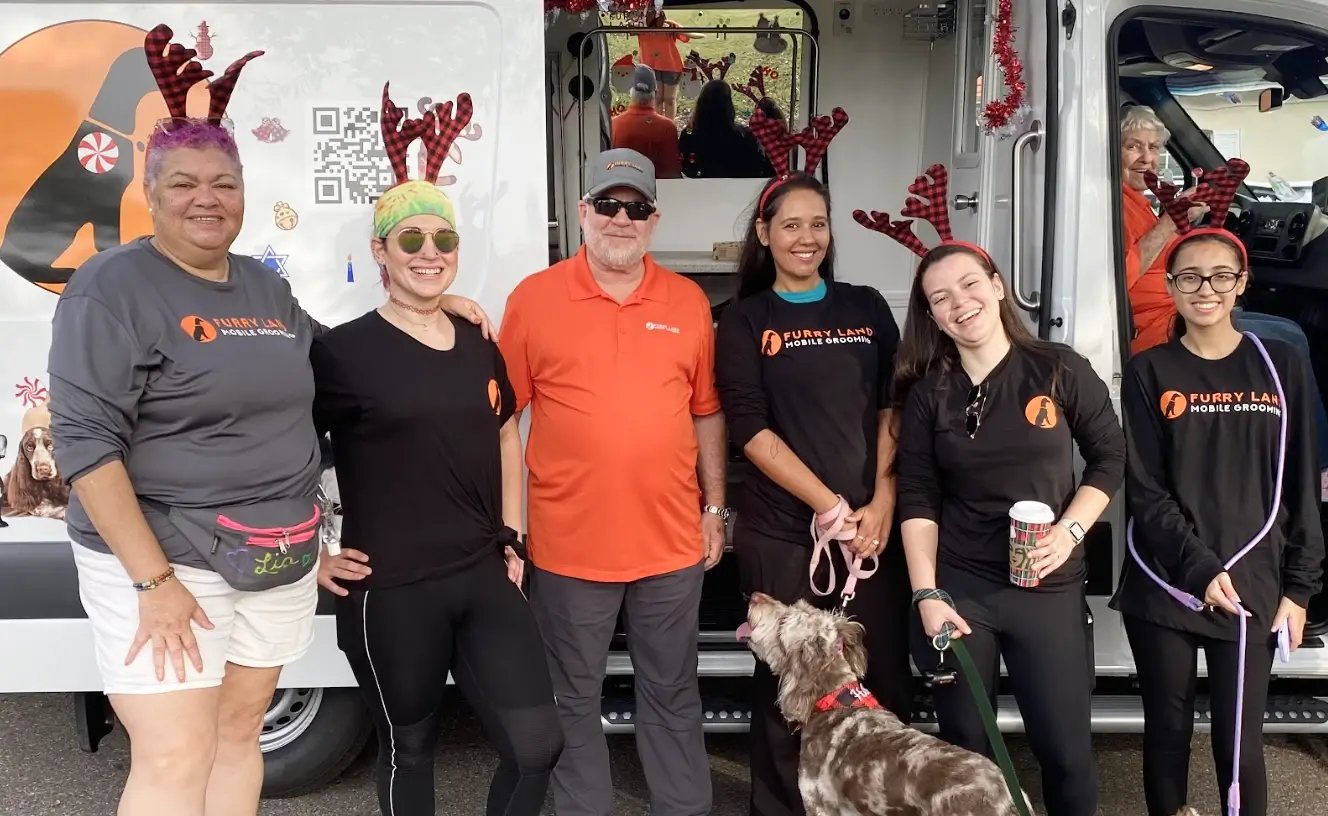

CRM Success: Furry Land’s 387% SMS Appointment Surge
Learn how automated SMS workflows replaced manual communication, reduced admin load, and created a scalable system for consistent appointment growth.
Booking Link & Client Access Continuity
How It Works
MoeGo provides stable booking URLs, shareable links, and QR codes for easy client access across all channels.
Operational Impact
- Smooth transition across website, Google, social, and in-store materials
- Reduced client confusion during switch
Business Outcome
- Maintains booking volume
- Supports client self-service
- Prevents drop-offs caused by broken links
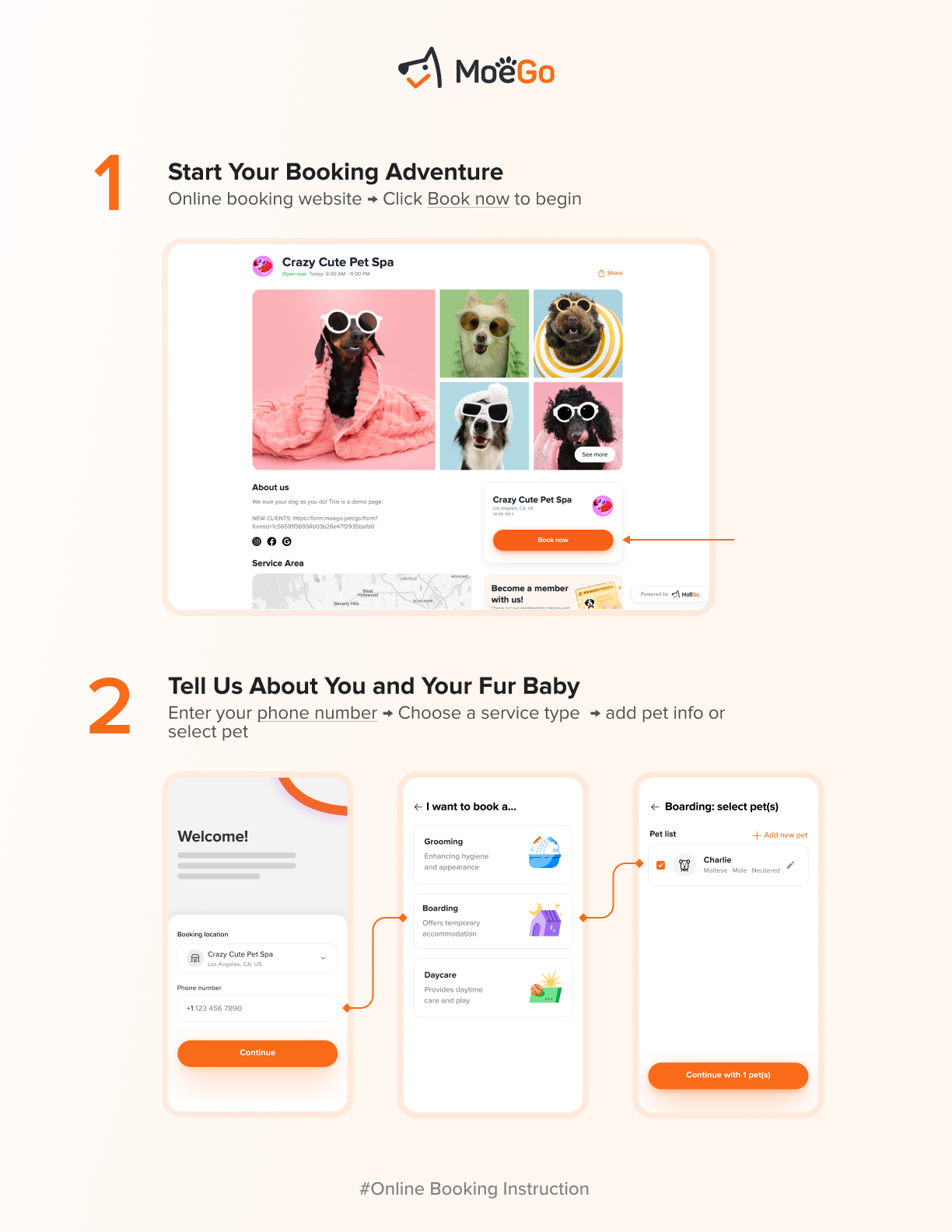
Client Onboarding Guides
How It Works
Pre-built, shareable guides walk clients through the new booking experience step-by-step.
Operational Impact
- Reduces front desk explanations
- Ensures consistent client communication across staff
Business Outcome
- Faster client adoption
- Lower booking friction
- Improved client confidence
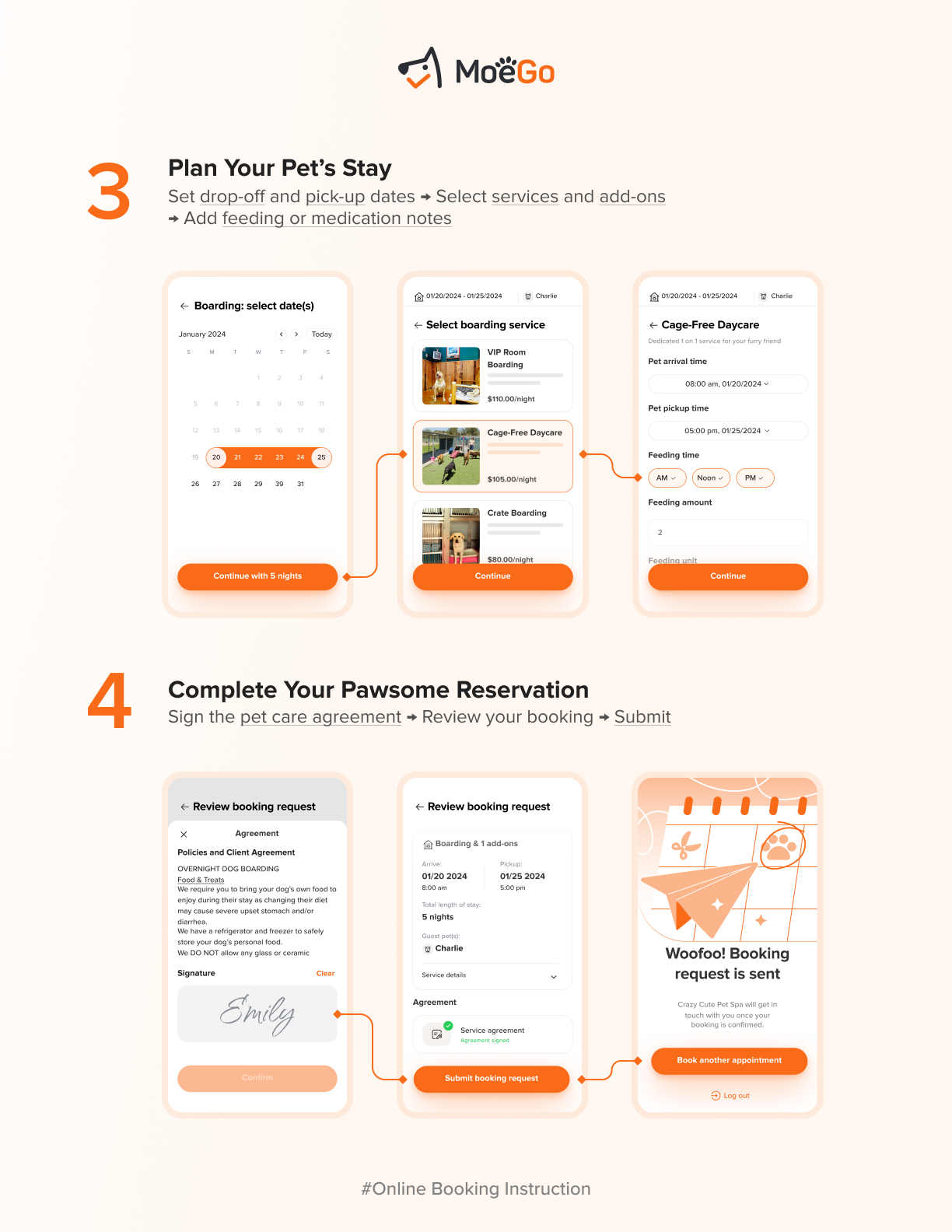
Training That Mirrors Real Workflows
How It Works
Hands-on training focused on real scenarios: booking, rescheduling, add-ons, and checkout.
Operational Impact
- Faster staff adoption
- Less confusion during daily operations
Business Outcome
- Maintains productivity during transition
- Reduces internal resistance
- Shortens time to full operational efficiency
A Practical 7-Step Migration Plan
If you’re planning a switch, use this as your baseline:
- Audit your current system risks
Identify booking, reporting, and communication gaps. - Define what must not break
Bookings, payments, client records—prioritize continuity. - Run a sample data migration
Validate accuracy before full import. - Align service structure and naming
Preserve reporting consistency post-switch. - Train staff on real workflows
Focus on daily actions, not abstract features. - Update all booking entry points
Website, Google, social, QR codes, and print. - Communicate clearly with clients
Show them exactly how to book in the new system.
This is what separates a smooth transition from a disruptive one.
Migration Evaluation Checklist
When comparing software options, prioritize:
- Defined migration process and timeline
- Full client, pet, and transaction data transfer
- Duplicate profile management
- Payment and policy continuity
- Flexible booking links and QR codes
- Client onboarding resources
- Workflow-based staff training
- Reliable system uptime
- Reporting continuity across locations
- Scalability for multi-location or mobile growth
When It’s Actually Time to Switch
Most businesses delay switching longer than they should.
But the cost shows up elsewhere:
- Hours lost to manual admin
- Missed bookings and scheduling errors
- Weak client retention
- Limited visibility into performance
- Staff frustration and inconsistency
At a certain point, staying becomes the bigger risk.
The right time to switch is when:
The cost of inefficiency exceeds the risk of transition.
FAQs
How do I switch pet business software without downtime?
Work with a provider that offers staged migration and onboarding support. Avoid switching all systems at once—validate booking flows and data accuracy before full go-live.
Will I lose my bookings during migration?
No—if migration is handled correctly, existing bookings can be preserved and transferred into the new system without disruption.
What data can be migrated?
Most systems can transfer client profiles, pet records, service history, payments, agreements, and notes when properly mapped.
How do I prevent client confusion during the switch?
Update all booking links and provide clear, simple instructions (PDFs or messages) showing clients how to book in the new system.
How long does migration take?
For most grooming, daycare, or boarding businesses, migration can take a few days to a week, depending on data complexity and operational setup.

Just starting or adding to your business?
We have flexible plans meant for all stages.


From Pet Professional to CEO: How One Business Owner Took a 2-Week Vacation Without Her Business Falling Apart

Holiday Grooming Add-Ons: How to Build a Seasonal Menu That Sells Itself